
AKVIS Sketch v.28.1 Home Standalone
Author Company: AKVIS
AKVIS Sketch | Turn Your Photos into Pencil Sketches and Drawings with AKVIS Sketch. ... ...
File Size:
OS:
License: - Time Limit, free to try, to buy.
File Size:
OS:
License: - Time Limit, free to try, to buy.


AKVIS Sketch v.28.1 Home Standalone
Turn Your Photos into Pencil Sketches
Turn Your Photos into Pencil Sketches and Drawings with AKVIS Sketch.
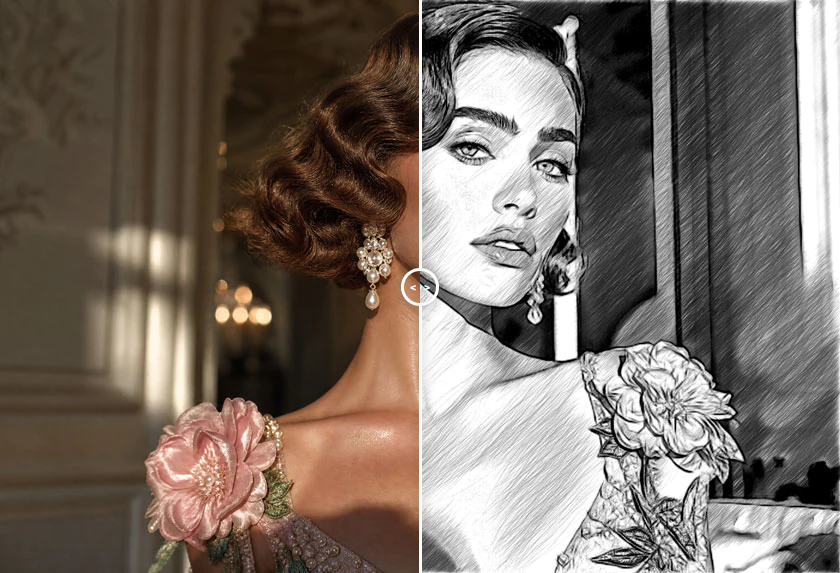
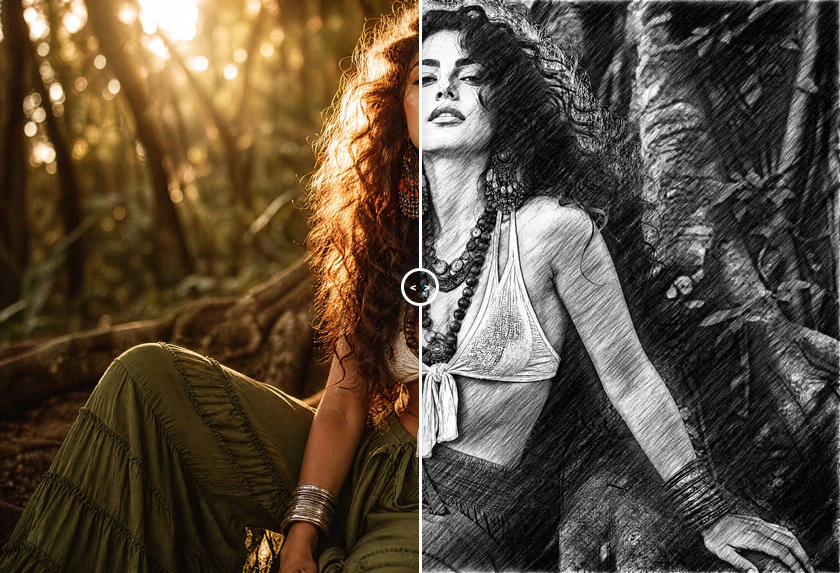
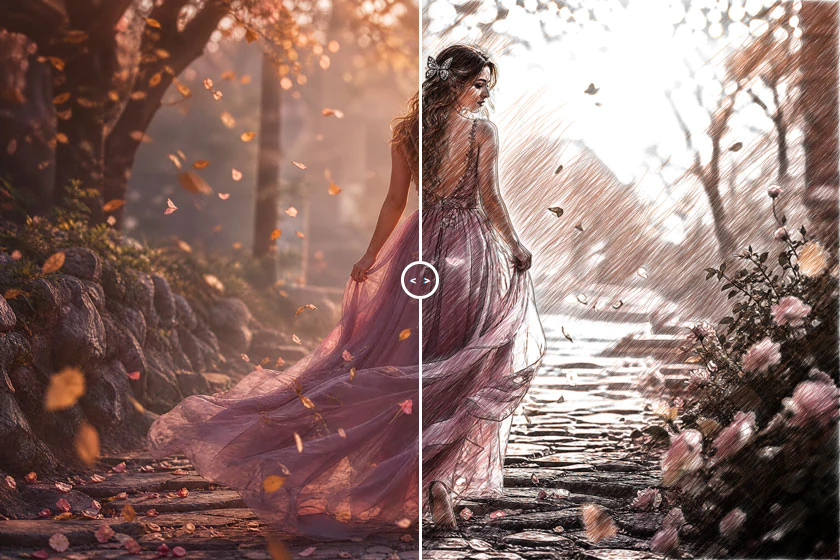
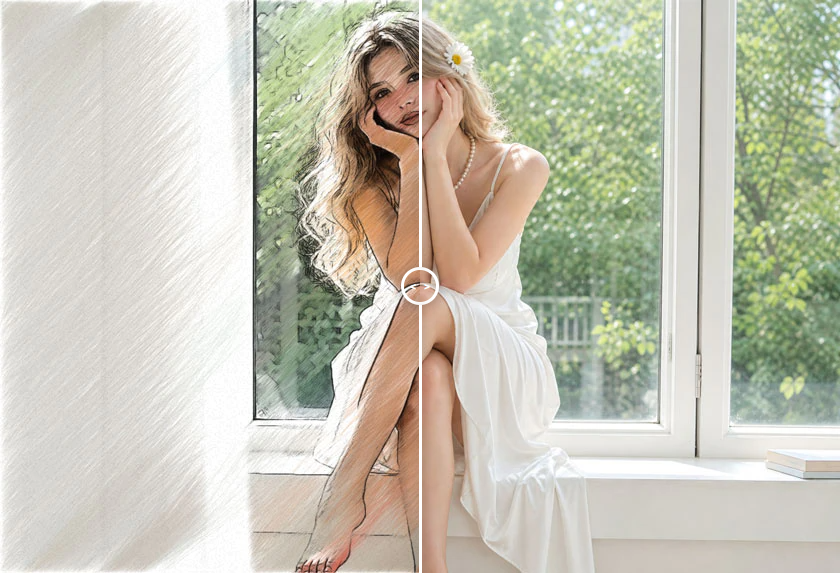
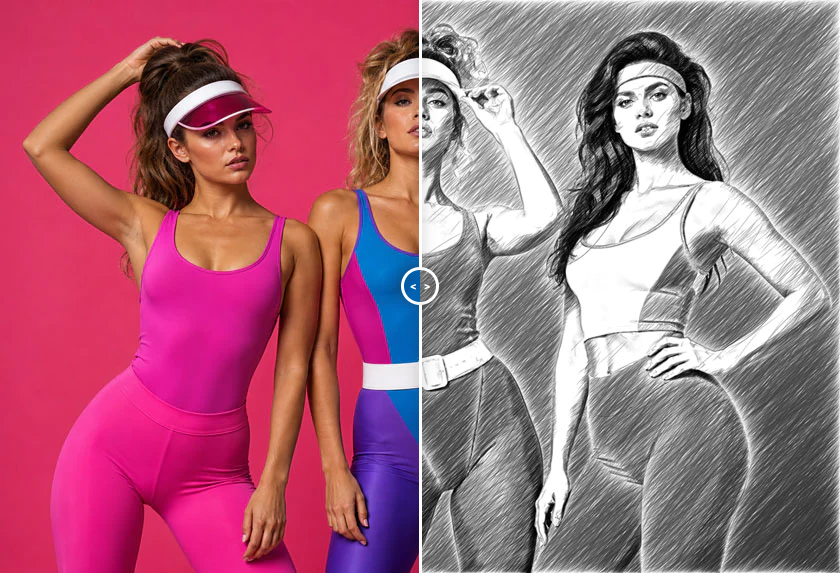
Photo to Sketch Software: AKVIS Sketch converts photos into pencil sketches and watercolor drawings. Get a color or a black and white drawing in a few clicks. Standalone and plugin versions available.
AKVIS Sketch converts photos into pencil sketches. It makes your pictures look like real drawings. Now you do not need to handle a pencil to feel like an artist. All you need to create your original work of art is good taste and AKVIS Sketch!
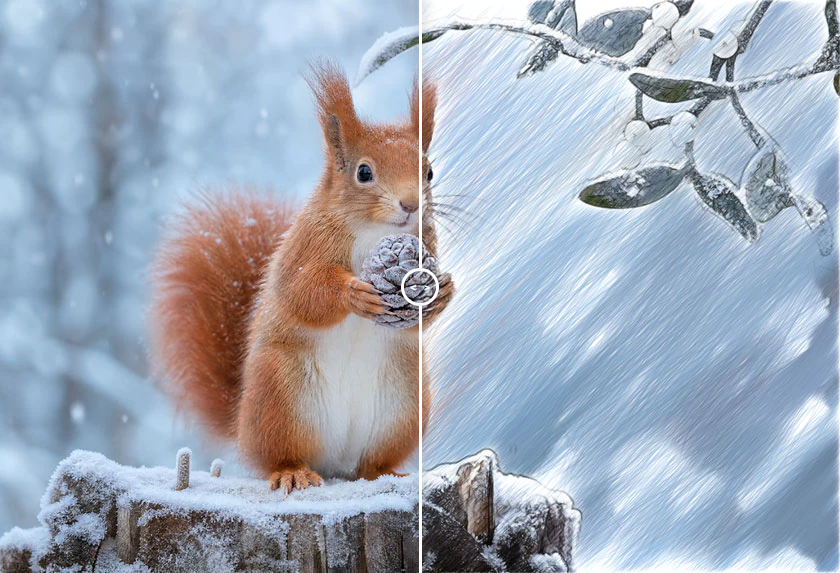
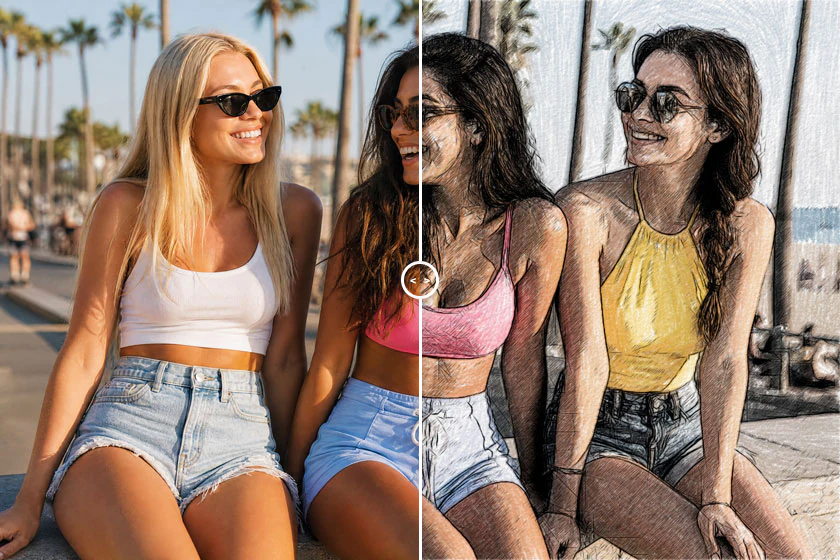
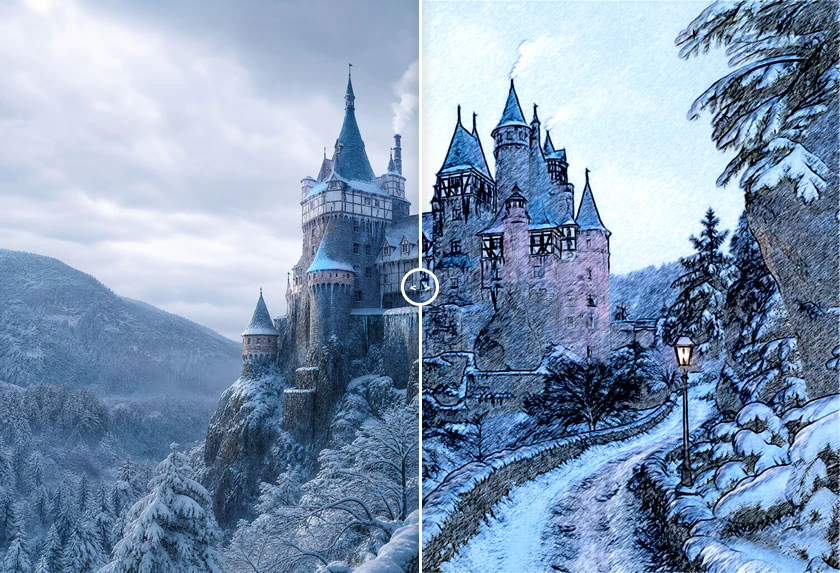
You can create realistic color drawings and B&W sketches, imitate the technique of graphite and color pencil, and even generate the charcoal, pastel, and watercolor effects.
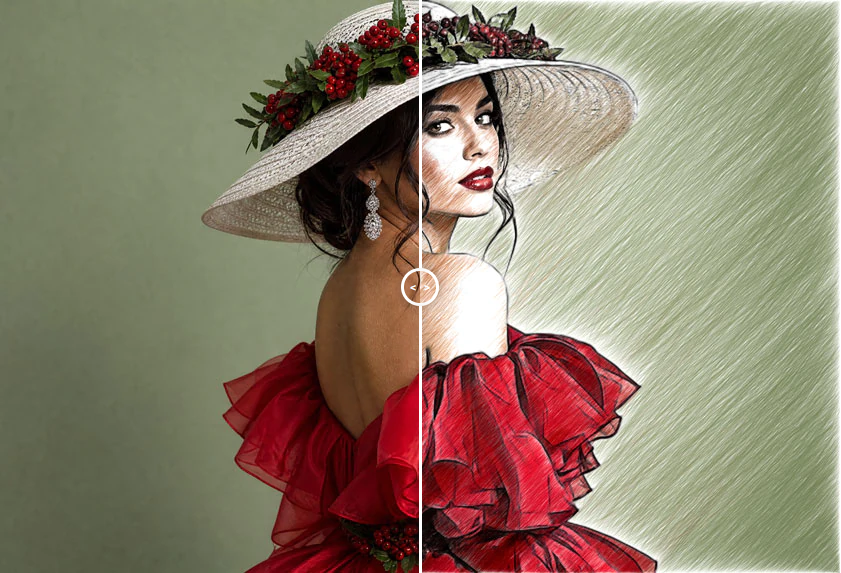
In contrast to standard filters that offer an approximate sketch, AKVIS Sketch comes very close to the hand-drawn works of a human artist. It lets you create an awesome pencil drawing from any photograph with a mouse click!
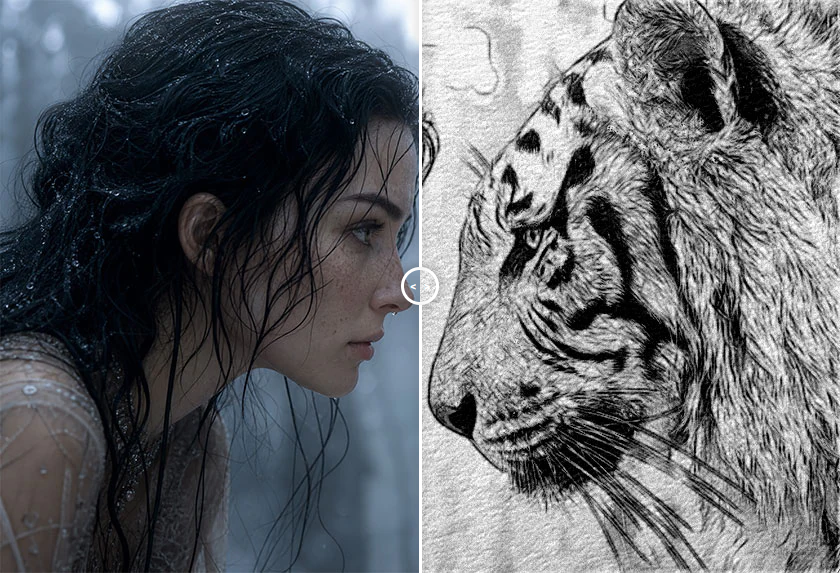
The software offers these photo to sketch conversion styles: Classic, Artistic, Maestro, and Multistyle, - each with a series of presets and with the possibility to create a wide variety of pencil drawings for every taste. Each style has its own benefits. Play with the settings and enjoy the results!
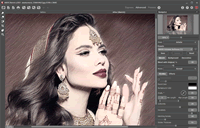
AKVIS Sketch has a neat interface to process your images instantly. At first, you can turn the photo into a drawing with the default settings and then touch up the image by adding color or trying different techniques - from pencil to charcoal or watercolor. You can adjust all the settings: make the hatching denser or finer, change the pitch angle of strokes, choose the pencil color, etc.
The extremely helpful Timeline feature allows you to get semi-processed sketches and variations of your drawing. Watch the process and choose between the snapshots. Pin the result and continue to play. Then you can compare versions of the drawing and choose the best one… or two.
The program offers a list of ready-to-use presets which make it easier to work with the software and save you time. You can create your own presets with your favorite combinations of the photo to drawing parameters.
Additional Features
Using the software you can also add some unique background effects to your picture! Create a combination of a sketch and a photo, mixing drawings with real life; imitate motion or add a "time machine effect" by swirling the background. Put an accent to certain parts of the image by blurring the rest of it in an artistic way.
Personalize your pencil sketch by inserting a signature, a greeting, a logo or a watermark; add a rough texture surface to your image. Apply a frame to your drawing to create a real work of art.
The Batch Processing support lets you automatically convert a series of images. You can make comics or cartoons from your home videos in this way.
For video processing, we also offer a special filter for After Effects and Premiere Pro - AKVIS Sketch Video.
Field of Application
You can make a pencil portrait as a gift for your relatives and friends, print your sketch on a T-Shirt, decorate a room with a watercolor drawing or a poster. Designers use the program to quickly bring images to one style for a web-site, an Instagram account or an advertisement booklet. Experts apply Sketch to demonstrate the features of the architectural styles. Authors create illustrations for their books with this software.
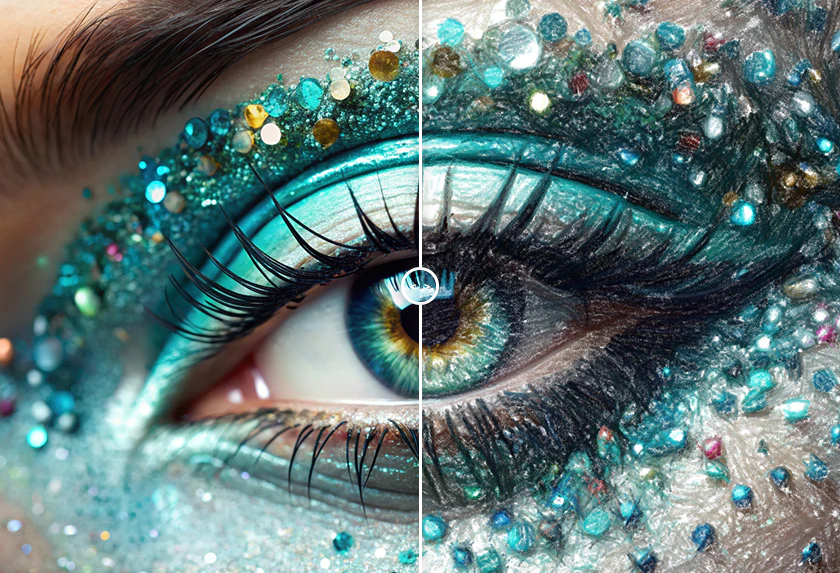
Both professionals and home users will be delighted with the ease and effectiveness of the program and excited by the neat result of the photo-to-sketch conversion. Using AKVIS Sketch is a lot of fun!
On the whole, it's a wonderful tool for those who have always wanted to draw but didn't know how.
AKVIS Sketch is available as an independent standalone program and as a plugin to a photo editor. The plugin version is compatible with AliveColors, Adobe Photoshop, Corel PaintShop Pro, etc.
The functionality of the software depends on the license type. Consult the comparison table.
During the trial period you can try all options and choose the license that best fits your needs.
The software offers a multi-language user interface.
- Operating System : .
- Processor :
- Windows : Minimal : Pentium IV | Recommended : Intel Core i5
- macOS : Minimal : Intel | Recommended : Intel/M1
- Linux : Minimal : Intel Core i3 | Recommended : Intel Core i5
- RAM Memory :
- Windows : Minimal : 4 Gb RAM | Recommended : 8 Gb RAM
- macOS : Minimal : 4 Gb RAM | Recommended : 8 Gb RAM
- Linux : Minimal : 8 GB RAM | Recommended : 16 Gb RAM