 90% smaller No quality loss GPU Accelerated
- Compress 8K/4K/1080P video by over 90% without quality loss.
- Support over 370 video/audio formats and no file size limit.
- High-speed conversion with GPU accelerated. 47X faster.
- All-in-one video toolkit: enhance video/image, convert, record & edit.
Batch compress large video files up to 8K for social media and email in seconds, without sacrificing quality
Reduce Video Size by Up to 90%
- Specify whatever video file size - Up to 90% compression rate.
- Re-encode video between 370+ formats incl. HEVC, MP4, etc.
- Convert 8K/4K/1080p video to 720p or lower.
- Adjust bitrate, frame rate, GOP, and more.
Extensive Format Support
- High-speed video compressor optimized for 4K/8K/HDR videos.
- Supports 370+ input formats and 420+ readymade profiles.
- Compress files for optimal use on mobiles and social media.
Fast and Batch Compression
- Efficiently batch compress multiple video files in one click.
- High-speed video processing with GPU acceleration. 47X faster.
- Adjust settings for multiple selected files simultaneously.
- High-Quality Compression Engine to ensure optimal quality.
Compress your HD/4K/8K footages to make them shine in various situations with the video compressor

Increase storage space for limited-storage devices.

Compress large 4K/1080P videos shot by GoPro, DJI, Canon, etc.

Fix 4K/8K stuttering/laggy error when playing on low-end device.

Optimize video for YouTube, Ins, Facebook with no size limit.

Shorten the video upload time to cloud, YouTube or other sites.

Send large videos quickly via Email or Whatsapp.
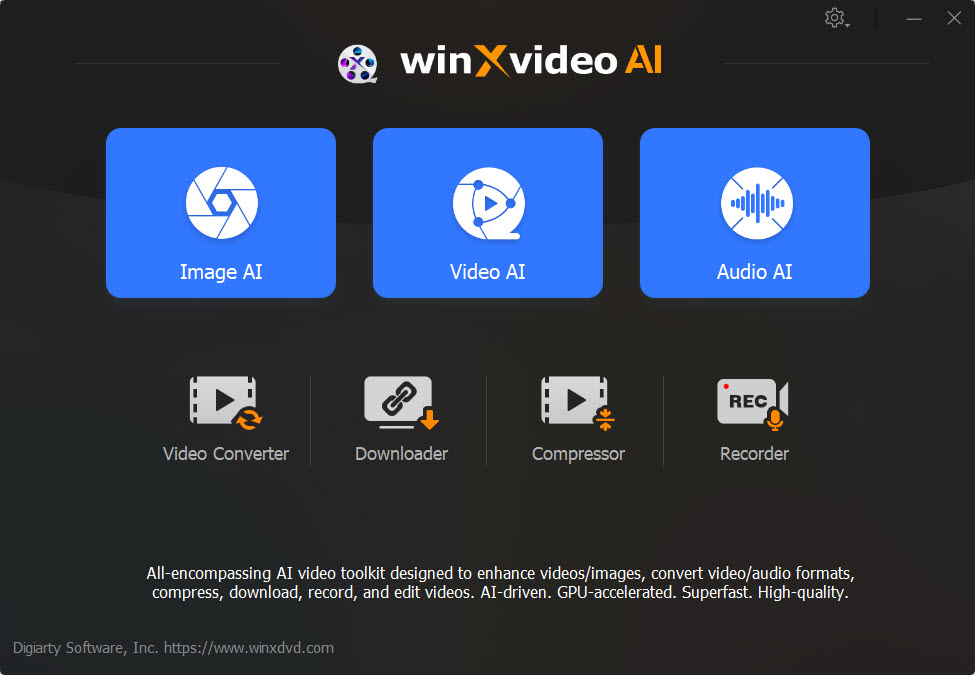
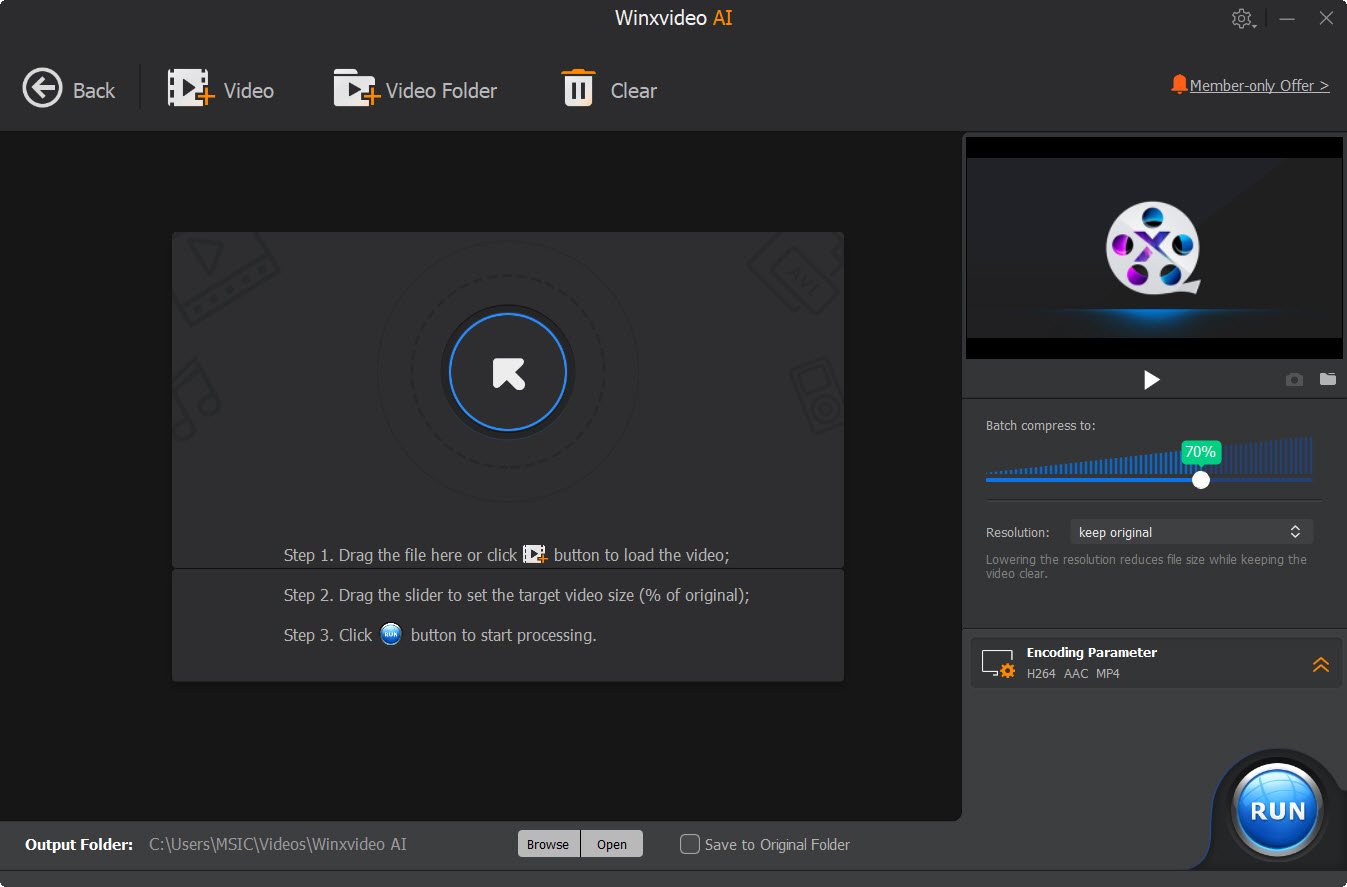
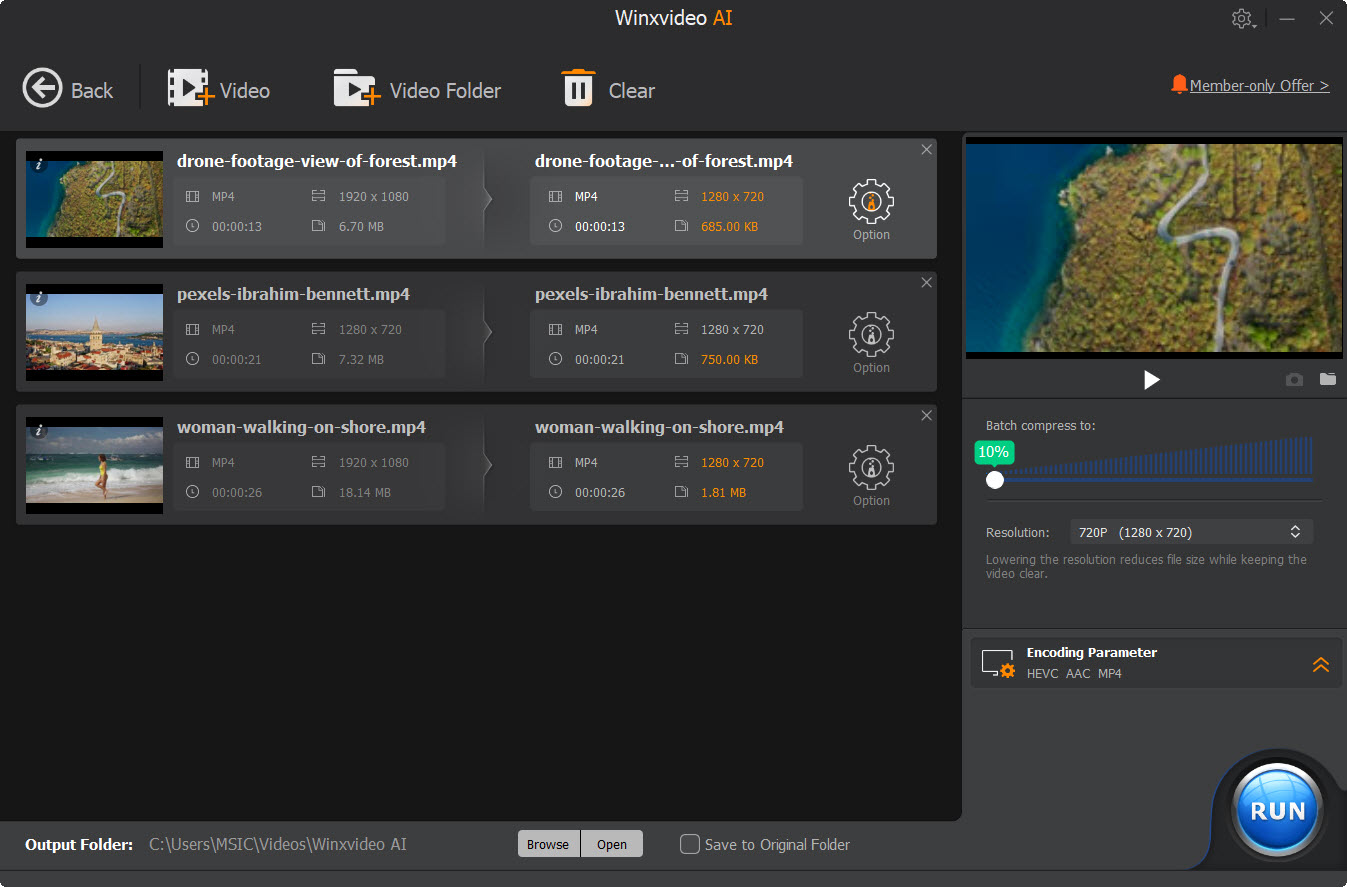
Winxvideo AI offers 4 compression methods, incl. specify file size, transcode video, reduce video resolution, adjust settings like codec, bitrate, frame rate, GOP, etc. By taking advantages of full GPU acceleration, it reduces video file size by up to 90% swiftly without compromising quality.
Winxvideo AI offers a vast codec library. Generally, H.264 and HEVC/H.265 are two more popular encoding methods right now. The former is widely compatible while the latter yields better compression efficiency, especially for the 1080p and 4K videos.
Yes. You can move to the Compress section, specify the output file, set the desired resolution, and choose the format at your desire. Winxvideo AI even offers readymade profiles for YouTube, Facebook, Vimeo, and general web video.
With High Quality Engine and advanced video codecs, Winxvideo AI can achieve up to 90% file size compression while keeping the maximum visual quality.